Email verification
Account recovery, invoices and important service notices are sent to your account email, so you need to prove the address is yours. The top of the Profile page shows the status with the label Email verified («ایمیل تأیید شده») or Email not verified («ایمیل تأیید نشده»).
You verify your email in one of these ways:
- While completing your profile: after you click Save and continue («ثبت اطلاعات و ادامه») on the profile form, a code is sent to the email you entered and the Email verification («تأیید ایمیل») step opens.
- From the banner at the top of the panel: while your account email is not verified, the Email verification («تأیید ایمیل») banner shows at the top of every panel page.
- With the link in the reminder email: click the link in the verification reminder email.
Verifying with the 6-digit code
- Take the 6-digit code from the email you received. If you cannot find it, check your spam folder too.
- Type or paste the code into the box below the sentence "Enter the 6-digit code sent to ..." («کد ۶ رقمی ارسالشده به ... را وارد کنید.»). Persian digits are accepted as well.
- As soon as all 6 digits are in, the code is checked automatically (the Verify email «تأیید ایمیل» button does the same). The message «ایمیل شما با موفقیت تأیید شد» (your email was verified) means you are done.
If the code is wrong or expired, an error shows below the box and the box is cleared so you can enter the code again.
- Resend the code: after each send you have to wait a little; the remaining time shows as «ارسال دوباره کد تا ...». When it runs out, click Resend code («ارسال دوباره کد»). The message «کد تأیید به ایمیل شما ارسال شد» means a new code was sent.
- Edit email: if you mistyped the address, click Edit email («ویرایش ایمیل»), enter the right address in New email («ایمیل جدید») and click Send code to the new email («ارسال کد به ایمیل جدید»). The code goes to the new address and the account email changes to it. An invalid address is refused with «فرمت ایمیل صحیح نیست» (invalid email format); Cancel («انصراف») takes you back to entering the code.
The email verification banner
While your account email is not verified, the top of the panel pages shows the message «ایمیل شما هنوز تأیید نشده است.» (your email is not verified yet) with the account's email address.
- Click Verify email («تأیید ایمیل»): the Email verification («تأیید ایمیل») window opens, a fresh code is sent to your email and you continue as in Verifying with the 6-digit code. Once verified, the banner closes by itself.
- Click Later («بعداً»): the banner is hidden only until you close this browser tab, and shows again when you open the panel again.
The verification link in the email
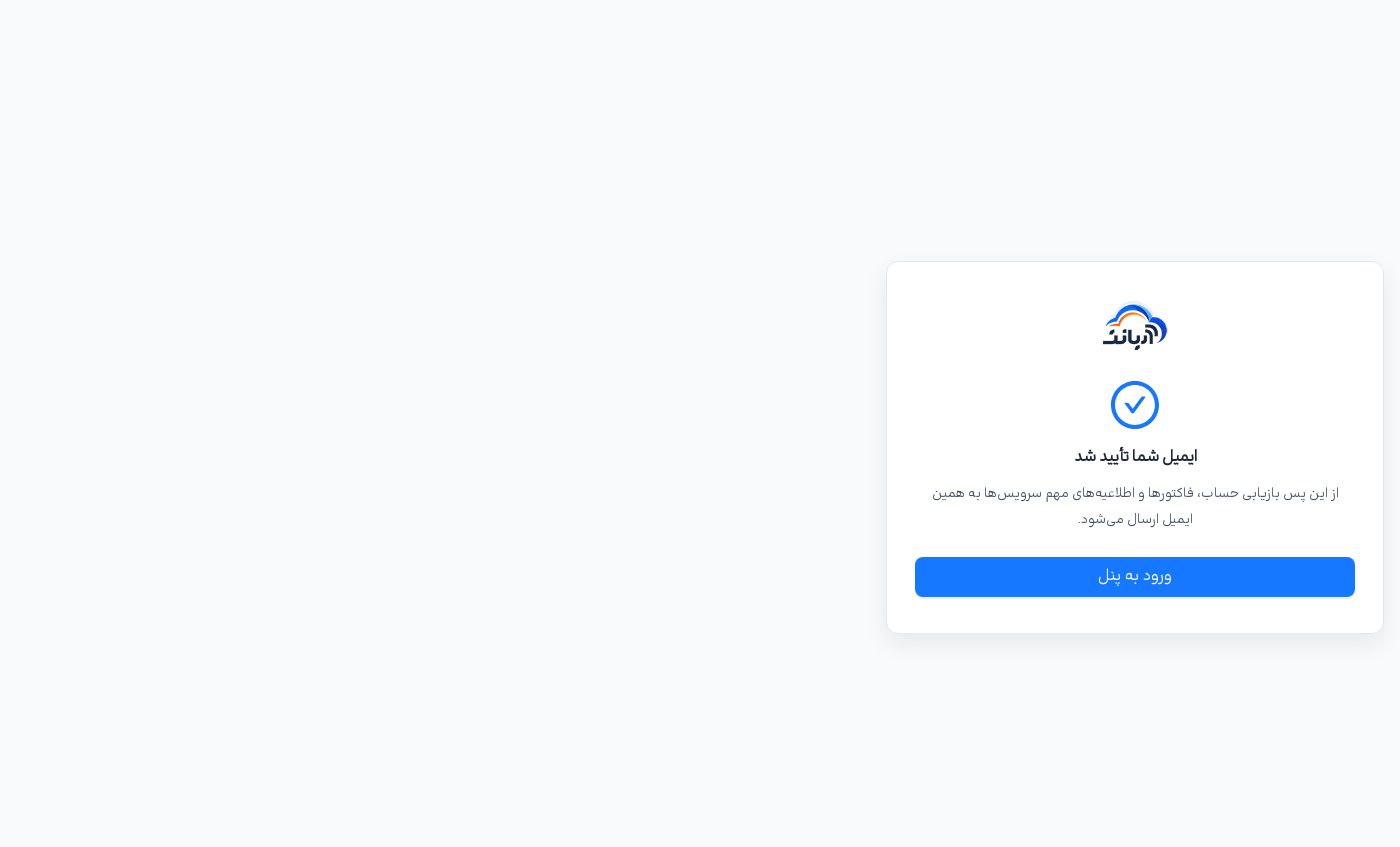
Clicking the link in the reminder email checks your email without a code and opens a result page. You do not need to be signed in to the panel for this page.
| Page title | Meaning | What to do |
|---|---|---|
| «ایمیل شما تأیید شد» (your email was verified) | The email is verified. | Nothing; Enter the panel («ورود به پنل») takes you to the panel. |
| «لینک تأیید منقضی شده است» (the verification link has expired) | The link's time has passed. | Sign in to the panel and get a new code from the «تأیید ایمیل» banner. |
| «این لینک معتبر نیست» (this link is not valid) | The link is not valid; the account email may have changed after the link was sent. | Sign in to the panel and verify the email there with a code. |