Project settings
The Settings («تنظیمات») page has the Project name, Plan, pause and resume, the automatic pause schedule, API settings, transfer and deleting the Project.
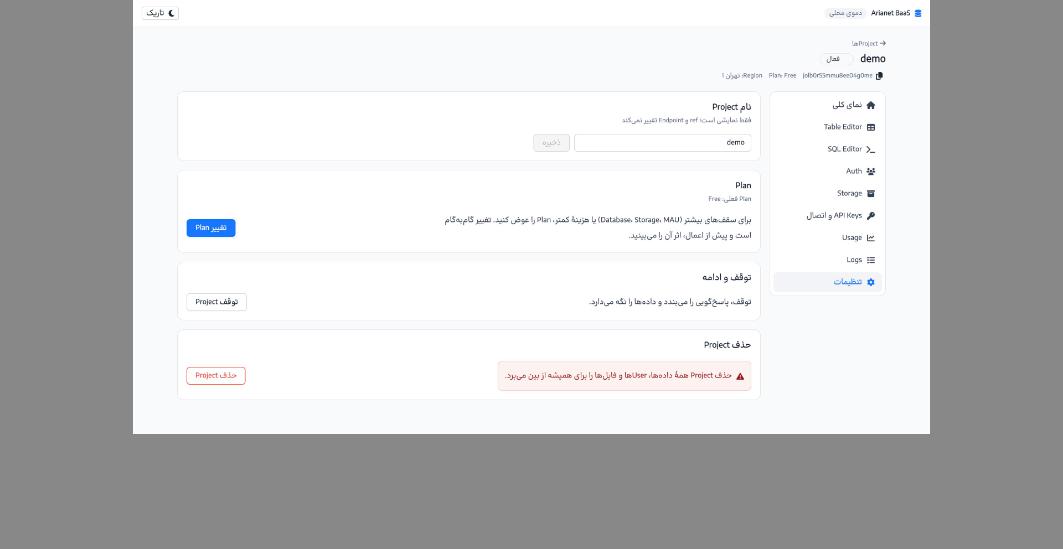
Project name
The name is for display only; the ref and Endpoint do not change with it. Type the new name and click Save («ذخیره»).
Pause and resume
- Pause Project («توقف Project»): the Project stops answering but the Database, Users and files are kept. Apps using the Project get
503 project_pausedfrom that moment. A Project you paused yourself is not woken by requests. - Resume Project («ادامهٔ کار Project»): everything comes back as it was.
The "Resume Project" button also appears at the top of every page of a paused Project. The Free Plan's automatic pause (after 7 idle days) is different and ends with the next request (FAQ).
Automatic pause schedule
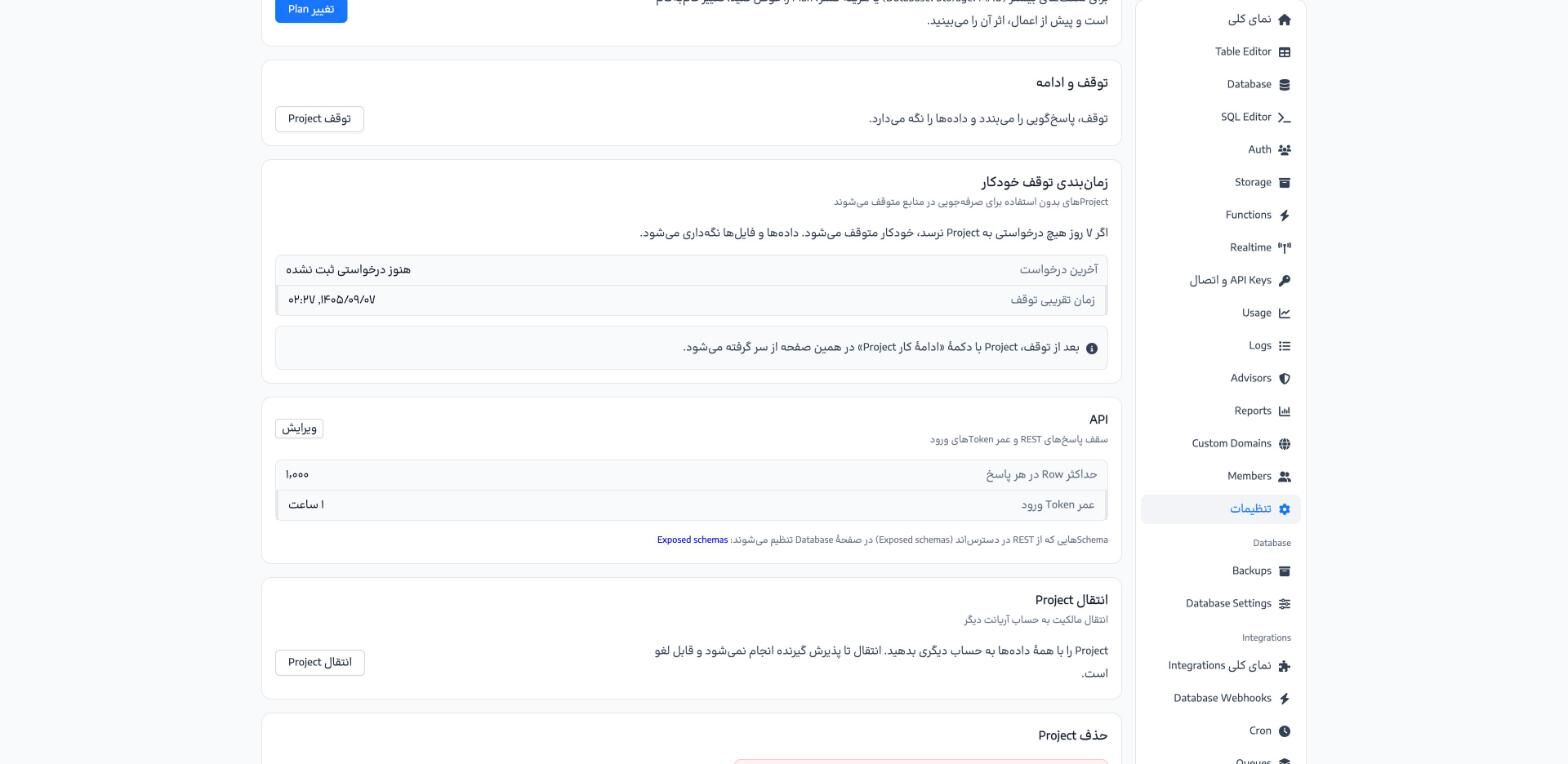
On the Free Plan, a Project that gets no request for 7 days is paused automatically to free resources; data and files are kept. This card shows the last request and the estimated pause time. After the pause, the Project resumes with the "Resume Project" button on this page or with the first request.
API settings
- Maximum Rows per response: the most Rows the REST API returns in one response (default 1,000). For more, paginate.
- Sign-in token lifetime: how long Users' access tokens are valid (default 1 hour). The client library refreshes the token automatically before it expires.
Edit is a two-step wizard (values, review). The change applies to the next requests and your apps need no key change. Which Schemas the REST API serves is set on the Database page.
From the terminal (next CLI version): arianet baas api-settings get <project-id> and arianet baas api-settings set <project-id>.
Transfer a Project
Give the Project, with all its data, to another Arianet account. Transfer Project («انتقال Project») is a four-step wizard: transfer to another account, target account (the receiving Arianet account's numeric ID), confirm with the ref, and review and send.
- A transfer needs both sides: the request goes to the owner of the target account and nothing moves until they accept. The receiver has 7 days to accept, and until then you can cancel the request.
- After acceptance, ownership and the Project's cost move to the target account, and the Plan is charged to the target account's wallet. You no longer have access to the Project. The Endpoint, keys and data do not change.
- From the terminal (next CLI version):
arianet baas transfer <project-id>, and for the receiverarianet baas transfer list,accept <transfer-id>ordecline <transfer-id>.
Change Plan
Change Plan («تغییر Plan») is a three-step wizard:
- Choose a Plan («انتخاب Plan»): pick the new Plan. Changing the Plan does not move your data; the Endpoint and keys stay the same.
- Compare («مقایسه»): the current and new Plan's limits side by side. If your current usage does not fit one of the new limits you get a warning; after the change the Project may become read-only or limited.
- Review and confirm («مرور و تأیید»): read the price and effect, and confirm. A paid Plan is charged to your wallet; with too little balance the change is not made and the current Plan stays.
The new limits apply at once. Only the Free Plan is offered today; paid Plans are coming soon, and until then the wizard says no other Plan is on sale.
Delete a Project
Deleting a Project («حذف Project») cannot be undone. Its three steps:
- What is lost («چه چیزی از بین میرود»): the Database with all Tables and Rows; all Auth Users and their sessions; all Buckets and files; the keys and Endpoint (apps get errors from that moment). The Project's monthly charge stops too.
- Before deleting («پیش از حذف»): if you need the data, take a backup and download it (or run
pg_dumpover the direct connection) and download important Storage files, then confirm that you did. - Confirm with ref («تأیید با ref»): to avoid mistakes, type the Project's
refexactly and click Delete Project permanently («حذف قطعی Project»).
Deleting takes a moment and the Project disappears from your list.
Renaming, pausing, API settings, transfer, changing the Plan and deleting need the baas:projects:manage permission. If you are a team member and a button is disabled, ask the account owner for access.